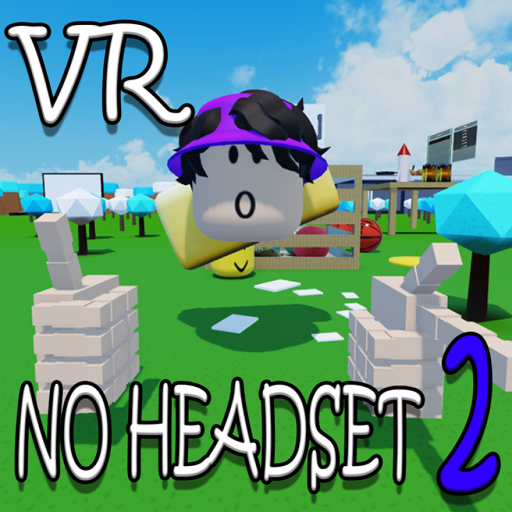
VR Hand Simulator📱💻Non-VR Headset!!💻
View on RobloxHow we calculate trends
We use linear regression on 7-day daily averages with IQR outlier filtering to remove spikes. A change ≥10% indicates Rising or Declining, otherwise Stable.
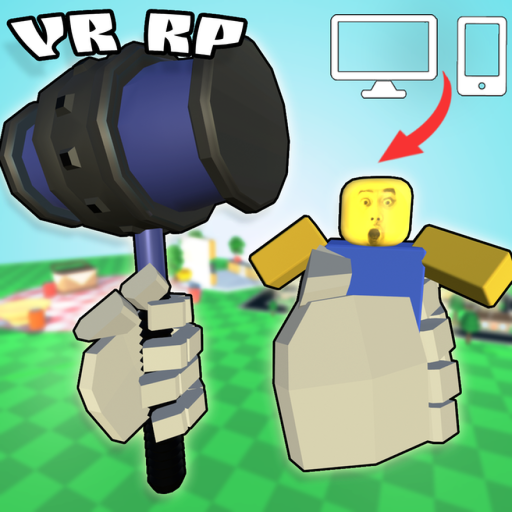
VR Hand Simulator📱💻Non-VR Headset!!💻 Player Count & Game Analysis
VR Hand Simulator📱💻Non-VR Headset!!💻 is a Simulation experience on Roblox, developed by Munuko Productions. Since its launch a year ago, it has steadily grown its player base.
With 234 players currently in-game, VR Hand Simulator📱💻Non-VR Headset!!💻 maintains an active community. This is 49% above its 7-day average of 157, suggesting heightened activity—possibly due to an update or event.
The data reveals a 116% upward trend, pointing to expanding player engagement and potential viral momentum.
While the all-time peak reached 306 players, current activity remains healthy at 76% of that benchmark. Player reception sits at 76% positive based on 4,088 community votes.
15.7 million total visits and 21,077 favorites demonstrate the game's lasting appeal.
How GGAID Analyzes Player Trends
For this Roblox game, GGAID analyzes Roblox game trends using 7-day average player counts, linear regression, and IQR-based outlier filtering. A change of 10% or more indicates a rising or declining trend. Learn more about our methodology
Player Count (Last 24 Hours)
Developer
Official Game Description
Below is the official description provided by the game developer on Roblox. GGAID does not modify or rewrite this content.
😊Welcome to No VR Headset Playground! This is a game where VR without VR headset is real! You can experience it through PC or mobile! 🤩 This game, the controls are quite realistic this is the best way you can experience VR without any expensive headset! You can do anything, like cooking, basketball, bowling, and a lot, lot more! ⭐Follow and like the game to know when updates are released! 🔴 Do not break Roblox TOS, rule breaking is NOT nice 💬Make sure to play the tutorial for the best experience!💬 📱MOBILE CONTROLS: > Tap Left or Right button -> Use Hands > Drag the white circle around -> Move your hands > Hover over objects and click grab -> Grab/Drop objects > Activate hand and use button -> Use Tools > Throw button -> Throw 🖥PC CONTROLS > E/Q - Use Hands (Activate Hands) -- While Hand is activated -- > Scroll Forward/Backward - Set Hand Distance > R - Rotate, press R again to stop rotating > X/C - Use tools— Source: Roblox
🎉Events
No active events for this game



![[FIXED] Human Simulator official Roblox game thumbnail](https://tr.rbxcdn.com/180DAY-5a40742c10a669953072333f4f408070/512/512/Image/Png/noFilter)
![VR Central [UPDATE] official Roblox game thumbnail](https://tr.rbxcdn.com/180DAY-78f4c3dbe70c745f0b8c061bd9ee1421/512/512/Image/Png/noFilter)