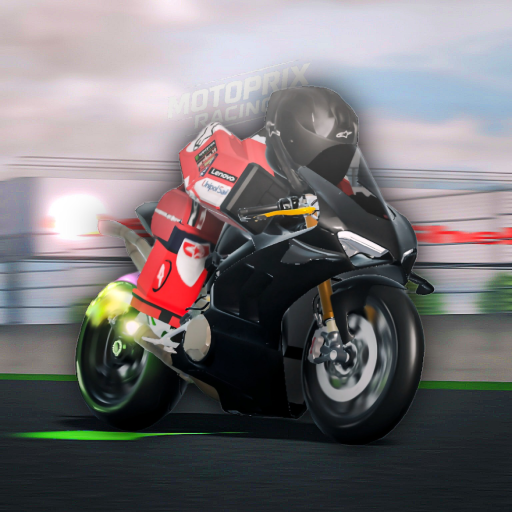
Moto Trackday Project
View on RobloxHow we calculate trends
We use linear regression on 7-day daily averages with IQR outlier filtering to remove spikes. A change ≥10% indicates Rising or Declining, otherwise Stable.
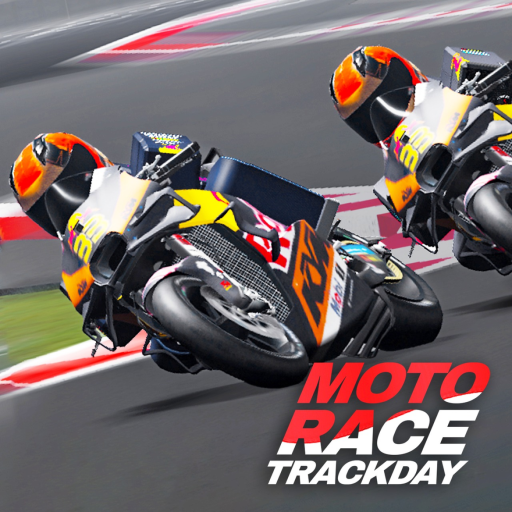
Moto Trackday Project Player Count & Game Analysis
Moto Trackday Project is a Simulation and Vehicle Sim experience on Roblox, developed by Hizz Studio. Since its launch 2 years ago, it has steadily grown its player base.
With 303 players currently in-game, Moto Trackday Project maintains an active community. Current activity is 35% below the 7-day average of 468, which may reflect typical daily fluctuations.
GGAID's trend analysis shows Moto Trackday Project is on an upward trajectory, with player activity increasing by approximately 34% over the past week.
While the all-time peak reached 727 players, current activity remains healthy at 42% of that benchmark. The community response has been overwhelmingly positive, with a 90% approval rating from 101,858 votes.
The game has accumulated 117 million visits and 173,193 favorites, reflecting sustained long-term interest.
How GGAID Analyzes Player Trends
For this Roblox game, GGAID analyzes Roblox game trends using 7-day average player counts, linear regression, and IQR-based outlier filtering. A change of 10% or more indicates a rising or declining trend. Learn more about our methodology
Player Count (Last 24 Hours)
Developer
Official Game Description
Below is the official description provided by the game developer on Roblox. GGAID does not modify or rewrite this content.
[ THE GAME IS STILL IN PROGRESS ] Next code at 90K Likes!!! 🎁 WIP GAME, everything is subject to change. Expect bugs. Delivering an great level of realism physics and excitement. Get ready to rev your engines, push the limits, and experience the exhilaration of high-speed motorcycle racing like never before. Are you ready to become a Moto Racing champion? 🎮 | Controls: | Keyboard: V - Change Camera Shift - Handbrake P - Parking Brake M - Semi / Auto Q / E - Shift Down / Up X - Look Back F - Start/Shutdown Engine Shift + C - Freecam The Cinematic mode button is a little different now, scroll the mouse up and down to speed up camera movement, hold shift + scroll to change the field of view, hold Capslock + scroll to change the focus distance and F to disable the Dof effect In-Game Guidelines: https://devforum.roblox.com/t/-/3036131— Source: Roblox
🎉Events
No active events for this game

![Project Corsa [UPDATE] official Roblox game thumbnail](https://tr.rbxcdn.com/180DAY-6fdc57f1bb981e68d3a80b1db7d44385/512/512/Image/Png/noFilter)
![[🎲 Prize Draw ] The Ride official Roblox game thumbnail](https://tr.rbxcdn.com/180DAY-d7626c058a1c6af6849aac7ef8af672e/512/512/Image/Png/noFilter)
![[BALAPAN MOTOR] Indonesia Drag Way [UPDATE] official Roblox game thumbnail](https://tr.rbxcdn.com/180DAY-a23d84947da795e17ab76999674e2c80/512/512/Image/Png/noFilter)